What Is API Integration? Examples, Benefits, and How It Works
 Admin8 October 2026 • 6 min read
You have probably used API integration hundreds of times without noticing. When a website accepts UPI payments, shows a live map, or syncs your shop orders with your accounting software, APIs are doing the quiet work in between. This guide explains what API integration means, why businesses need it, and how it works in plain language.
What is an API?
An API, or Application Programming Interface, is a documented way for two pieces of software to talk to each other. Think of it like a restaurant menu: it lists exactly what you can order and how. Your software places an order, the other system prepares it, and the result comes back in a predictable format.
What is API integration?
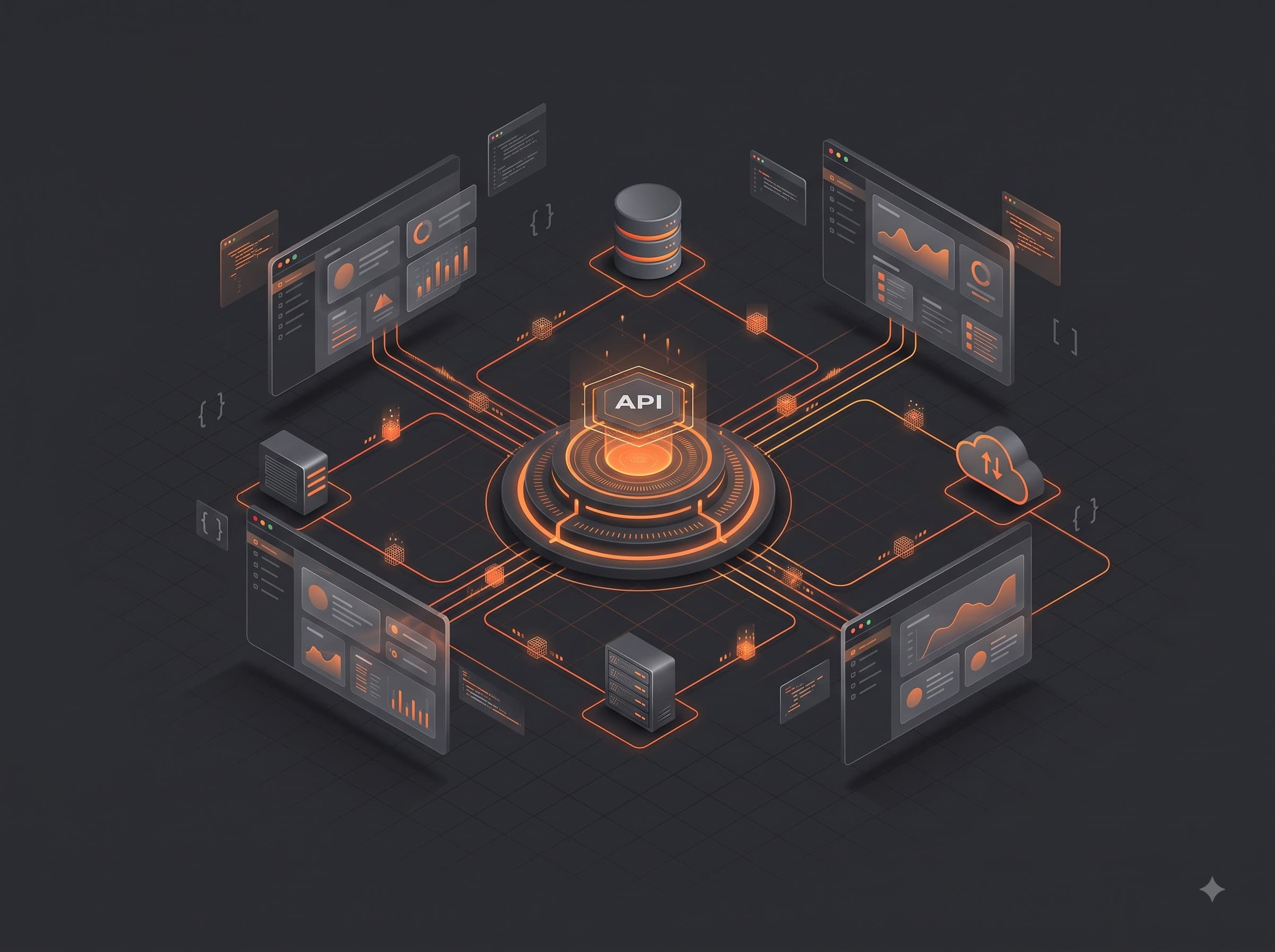
API integration means connecting two or more systems through their APIs so data flows automatically. Instead of your team copying order details from your store into your accounts, the store tells the accounts directly, the moment a sale happens.
Common examples in small businesses
- Payments: accepting cards and UPI through a payment gateway on your site
- Messaging: sending order confirmations over SMS or WhatsApp automatically
- Maps and location: showing delivery areas or store locations on a live map
- Accounting sync: pushing every sale and expense into your books without manual entry
- CRM connections: adding every website enquiry straight into your sales pipeline
Benefits of connecting your systems
The biggest win is time. Manual copying is slow and creates errors; integrated systems stay consistent on their own. You also get a single view of the business, because information lives in one connected flow instead of five disconnected apps. Finally, integrations scale: the hundredth order takes no more effort than the first.
How API integration works, briefly
For the technically curious, most modern integrations follow the same pattern. One system exposes secure endpoints, your software calls them over the internet, usually with a key or token for security, and data travels back and forth, most often as JSON. A simple example in JavaScript:
const response = await fetch("https://api.example.com/orders", {
  method: "POST",
  headers: {
    "Content-Type": "application/json",
    Authorization: "Bearer YOUR_API_KEY",
  },
  body: JSON.stringify({ customer: "Asha", total: 2499 }),
});

const order = await response.json();
console.log("Order synced:", order.id);
Real projects add error handling, retries, and logging around this core idea, plus careful handling of the API keys involved.
When to ask a developer for help
If the integration touches payments, customer data, or daily operations, professional help pays for itself. A developer will map your data correctly, secure your keys, handle failures gracefully, and document everything so you are not dependent on any one person.
We build API integrations and automated workflows for businesses that are tired of copying data between systems. Describe your tools to us and we will suggest the simplest reliable way to connect them.
Shared This Post:
Need a Website, Software, or Automation Built?
Tell us what you're trying to solve, and we will suggest a practical way forward.